

Introduction
Logitech Unifying Software is a sophisticated tool that makes it easier for people to connect and manage more than one wireless input device. Managing different receivers for each mouse or keyboard can be a pain in the neck in a world where laptops and desktops often have only a few USB connections. Logitech solved this problem by making a single receiver that works with smart software to connect various devices to one system. Logitech Unifying Software connects compatible Logitech peripherals to the unifying receiver. This makes sure that the connection is stable, pairing is straightforward, and performance is always the same.
Logitech Unifying Software is incredibly important for common people, professionals, and businesses since it helps them keep their workspaces clean and makes their work more efficient. Users don’t have to worry about device recognition problems or deal with different receivers. They can rely on one central platform that makes sure all supported devices work together smoothly. This page goes into great detail on Logitech Unifying Software’s technology, features, benefits, and real-world applications.
Getting to Know the Idea Behind the Unifying Receiver
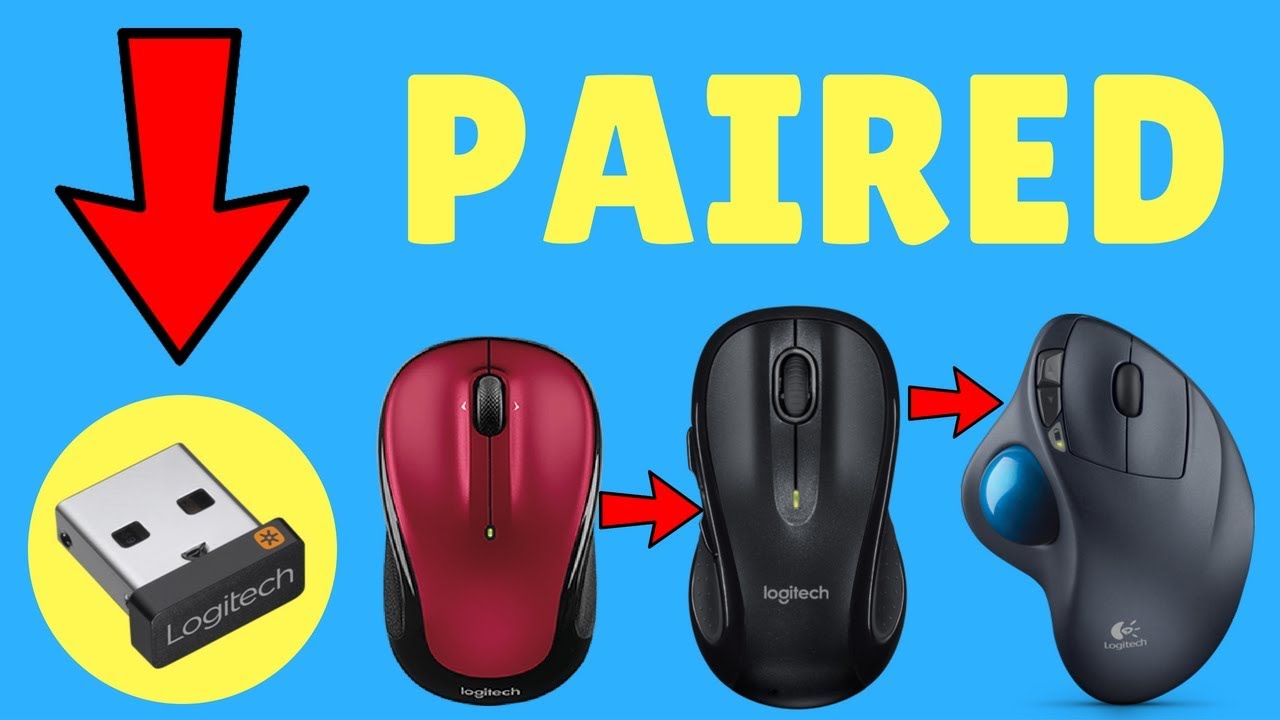
Before going into more detail about Logitech Unifying Software, it’s vital to know what the unifying receiver is. The unifying receiver is a compact USB dongle that lets you connect up to six Logitech wireless devices at the same time. These devices could be keyboards, mouse, and trackballs, all of which work over a secure 2.4 GHz wireless connection.
Logitech Unifying Software works with this technology to make it easy for users to pair, unpair, and manage devices. Users require the software to be able to personalize their setup since it gives them more power and flexibility. The receiver and Logitech Unifying Software work together to make a complete solution that puts user control, convenience, and stability first.
Logitech Unifying Software’s Main Features
Logitech Unifying Software is more than simply a tool for pairing. It has a lot of other capabilities as well. Pairing devices is one of its main jobs. This lets users add or remove peripherals from a single receiver at any time. This is especially helpful when you need to upgrade your devices or switch between workstations.
Managing connections is another key part. Logitech Unifying Software makes sure that each connected device has a strong signal that isn’t affected by other wireless devices. The program can also recognize firmware, which makes sure that the devices and the receiver can work together. Logitech Unifying Software gives users a consistent and easy-to-use experience thanks to these features.
How to Install and Set Up
You don’t need to be very tech-savvy to install Logitech Unifying Software. After you install the software, it will immediately find the unifying receiver that is plugged into the USB port. Users are shown a straightforward on-screen approach for pairing devices that work with each other.
Logitech Unifying Software asks users to turn devices on and off during setup to make sure they are paired. This check makes sure that the right device is connected to the receiver. Logitech Unifying Software is easy to use and accessible, which is why this process is so simple. It works for both new and experienced users.
Supported Peripherals and Device Compatibility
One of the best things about Logitech Unifying Software is that it works with a lot of different devices. The unifying receiver works with a lot of Logitech wireless mice and keyboards. The unifying emblem on each compatible gadget makes it easy to tell them apart.
Logitech Unifying Software works with many different types of devices that are utilized in home offices, businesses, and creative spaces. Users can mix and match devices with this software without worrying about whether they will work together. Because it is so flexible, many different types of users have started using Logitech Unifying Software.
Benefits for Professionals and Businesses in Terms of Productivity

Logitech Unifying Software can help professionals that need to keep their workflows running smoothly be more productive. Using one receiver to control several devices cuts down on setup time and problems with connectivity that can be distracting. Employees can move from one workstation to another without having to change the hardware, because the unifying system keeps their gadgets connected.
Logitech Unifying Software also makes IT management easier in business settings. Having fewer receivers makes it easier to keep track of inventory and costs less to replace gear. This makes Logitech Unifying Software a good choice for businesses that want to standardize the way their peripherals are set up.
Wireless Performance and Signal Strength
For input devices, wireless stability is very important, and Logitech Unifying Software helps keep connections robust. The program works with Logitech’s cutting-edge wireless technology to cut down on lag and interference.
Logitech Unifying Software makes sure that linked devices respond correctly to human input by intelligently pairing and managing signals. This level of performance is very crucial for applications that need accuracy, such programming, graphic design, and data analysis. Logitech Unifying Software is reliable and will work well even when there are a lot of wireless signals around.
Standards for encryption and security

Logitech Unifying Software also stands out in terms of security. The unifying receiver sets up wireless connections that are encrypted, which makes it less likely that someone will be able to get in without permission. Logitech Unifying Software handles the encryption procedure in the background without any problems. This keeps data sent between devices and the computer safe.
Logitech Unifying Software is good for business and professional use because it puts a lot of emphasis on security and protecting data. Users can safely utilize wireless devices without putting private information at risk.
Personalization and the User Experience
Logitech Unifying Software is mostly about making connections, but it also makes the whole experience better. The software’s interface is clear and easy to use, making it easy for users to pair and manage devices without adding extra steps.
Logitech Unifying Software doesn’t provide customers too many choices; instead, it focuses on the most important ones that make it easier to use. This design concept makes sure that customers can easily manage their gadgets without having to spend a lot of time learning how to utilize difficult software.
Comparing Traditional Receivers to Unifying Technology
The table below shows the main differences between typical wireless receivers and the Logitech Unifying Software-managed unifying solution.
| Aspect | Traditional Wireless Receiver | Logitech Unifying Software System |
|---|---|---|
| Number of devices supported | One device per receiver | Up to six devices per receiver |
| USB port usage | Multiple ports required | Single USB port |
| Device management | Limited or manual | Centralized through software |
| Portability | Less convenient | Highly portable and flexible |
This comparison shows how Logitech Unifying Software turns the old way of using wireless into a better, more flexible alternative.
Fixing Common Problems
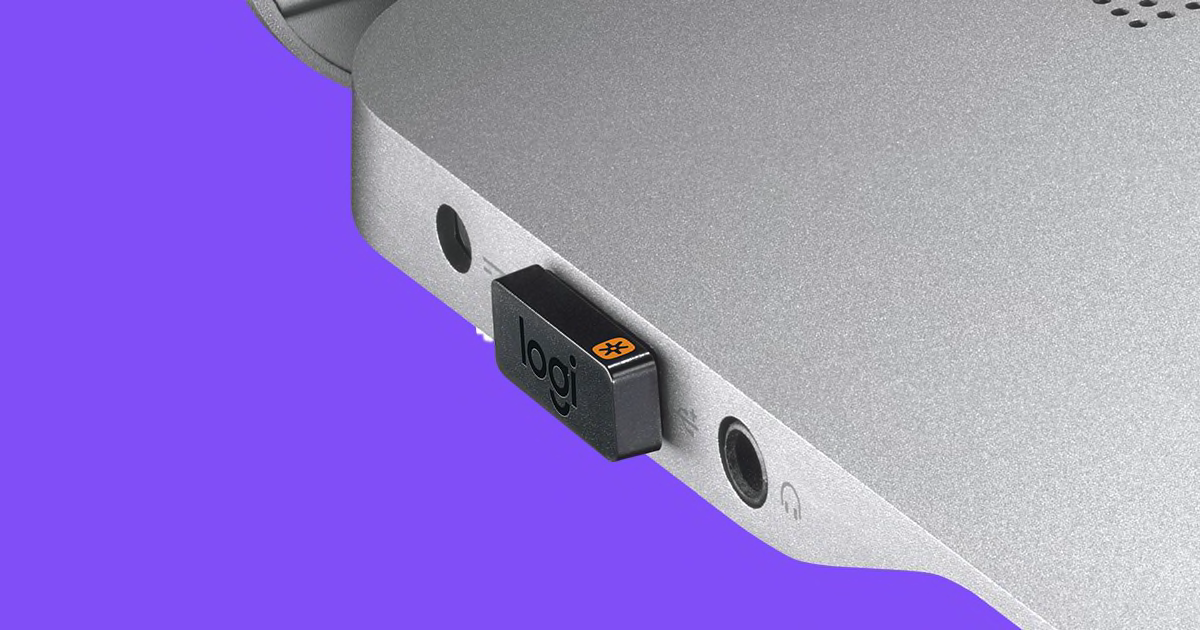
such any other program, Logitech Unifying program can sometimes have problems, such not being able to find devices or not being able to pair them. Most of the time, you can fix these problems by reconnecting the receiver, restarting the software, or making sure the device works with it.
During the pairing procedure, Logitech Unifying Software gives clear instructions that assist customers find and fix problems fast. Updating the software also helps keep things running smoothly and avoid compatibility issues.
What Logitech Unifying Software Does in Today’s Workplaces
Logitech Unifying Software fits in nicely with the trend toward flexible and mobile workspaces. A lot of the time, employees switch between computers, docking stations, and shared workstations. With a single receiver that connects all of their devices, customers can keep their connections stable across multiple arrangements.
Logitech Unifying Software makes this flexibility possible by letting customers change the way their devices are connected without having to go through a lot of trouble. This makes it a useful tool for hybrid and remote work settings where dependability and efficiency are important.
Benefits for the environment and for everyday life
Less USB receivers are better for the environment too. Fewer receivers mean less e-waste and better use of materials. Logitech Unifying Software helps the environment by letting people use one receiver for several devices.
Logitech Unifying Software makes it less likely that consumers will lose receivers because they just have to maintain one. This tiny but important benefit makes wireless peripherals even more useful.
Performance on Different Operating Systems
Logitech Unifying Software is meant to run on a lot of different operating systems, which makes it easy for a lot of people to use. The software works the same on both personal laptops and workplace computers.
This software works on a lot of different platforms, thus it stays useful in a lot of different computer contexts. Users can switch between systems without losing the ability to connect to devices or their performance.
Home users and fans can use it in these ways

Logitech Unifying Software is also quite useful for people who use it at home. If you use more than one Logitech device for gaming, work, or fun, you may make your setup easier by using only one receiver. You can easily control these devices with Logitech Unifying Software, which doesn’t have any technical problems.
Logitech Unifying Software gives people who like to personalize their workspaces the freedom to try out different combinations of devices. This capacity to change makes the unifying environment much more appealing.
A list of the types of devices that are supported
The table below shows the most common types of devices that Logitech Unifying Software works with and how they are usually used.
| Device Type | Example Usage |
|---|---|
| Wireless Mouse | Office work, design, general navigation |
| Wireless Keyboard | Typing, programming, documentation |
| Trackball | Precision control and ergonomic setups |
This overview shows how Logitech Unifying Software works with a wide range of input devices that are built for different types of users.
Logitech Unifying Software’s Future Usefulness
Logitech Unifying Software is still a key part of Logitech’s strategy for peripherals, even as wireless technology continues to change. It will stay useful for a long time since it can change to meet the needs of its users. The unifying system is still a stable and effective way to handle devices, even when new technologies come out.
Logitech Unifying Software is a long-term solution, not just a passing trend, because it focuses on ease of use, security, and performance. People that buy into this ecosystem get regular updates and continuous compatibility.
Conclusion
Logitech Unifying Software is a smart way to manage wireless devices. Logitech has devised a solution that cuts down on clutter, boosts productivity, and makes the user experience better by combining a small unifying receiver with smart software. Logitech Unifying Software meets the needs of modern customers by being easy to install, reliable, and secure.
Logitech Unifying Software makes things easier and more efficient, whether it’s used in an office, at home, or in a mix of the two. What makes it different from other wireless solutions is that it can control more than one device with just one receiver. Logitech Unifying Software is still a good choice for people who want something simple that works well, even as technology gets better.
Read More:- Project Management Software: A Complete Guide for Modern Teams